Minecraft Security: Tips to Keep Your Online Experience Safe
A household guide to safer Minecraft play: account protection, trusted downloads, choosing well-run servers, spotting scams and setting sensible family rules.
- Bin
- Lifestyle
- Box code
LFS 06- Added
- Read time
- 2 min read
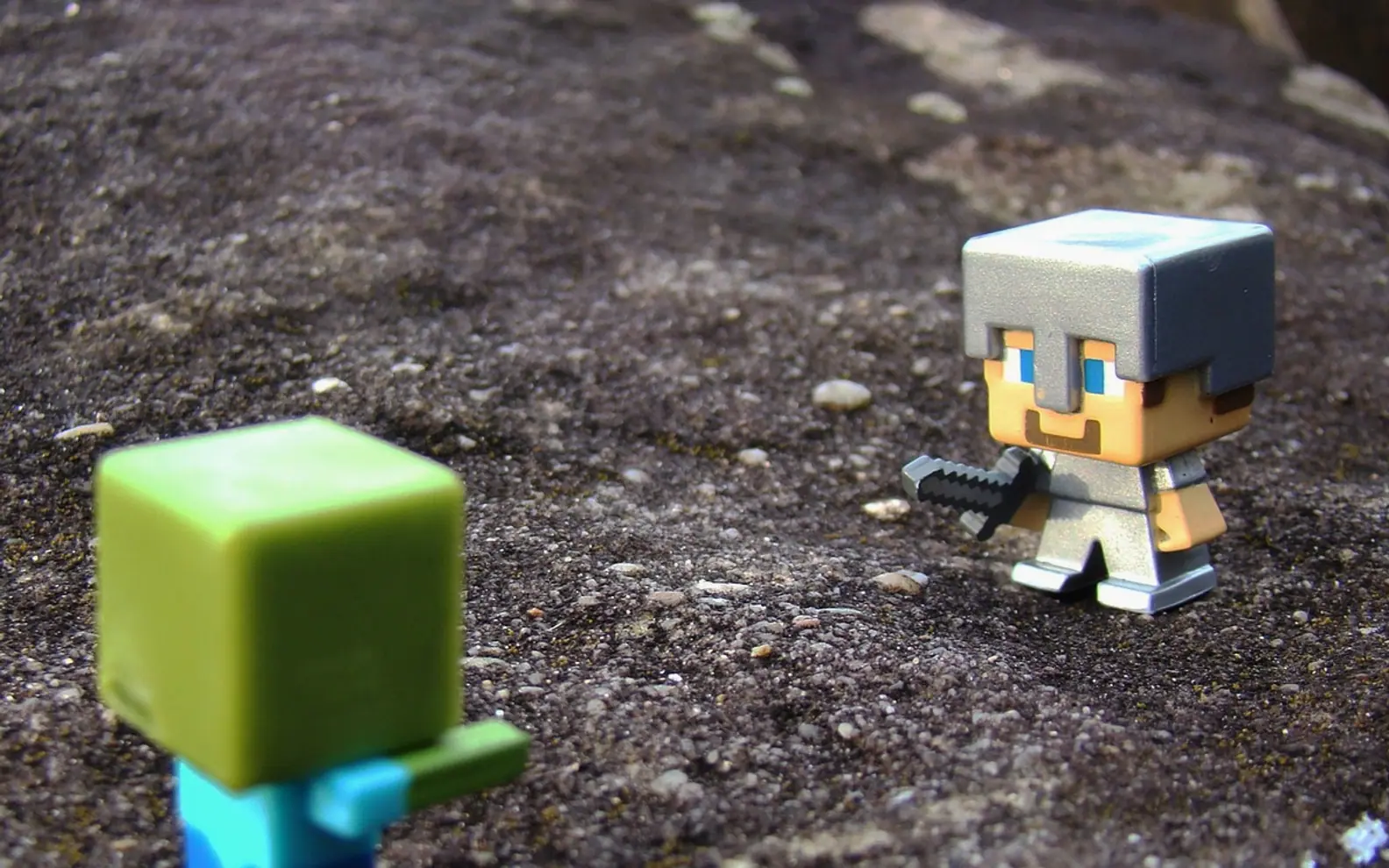
Minecraft looks gentle, all pixel sheep and blocky sunsets, but an online account is still an online account. Accounts get stolen, fake downloads circulate and some servers are run far better than others. The good news is that most problems can be avoided with a few household habits, and they are simple enough for younger players to learn alongside their parents.
Lock down the account
Everything starts with the login. Use a long, unique password that is not shared with any other service, and switch on two-step verification for the account linked to the game. A password manager makes this painless. If a family shares one console or computer, make sure each player signs out of shared devices, and keep the recovery email address one that an adult actually checks.
Download only from sources you trust
Mods, texture packs and launchers are a big part of the fun, and also the most common route for malware. Stick to well-known platforms with active communities, read recent comments before installing anything, and be wary of files that ask for more permissions than a game add-on should need. Keep the operating system and antivirus up to date so the computer can catch what slips through.
Pick servers with clear rules
Multiplayer is where Minecraft really comes alive, and choosing a good home makes all the difference. Look for servers that publish their rules, have visible moderators and offer a way to report problems. Curated listings help here: browsing Minecraft bedrock, survival multiplayer servers lets players compare game modes, community size and descriptions side by side before joining, which makes it easier to find a friendly survival world that suits their style.
Once inside, spend a few minutes watching how people talk in chat. A well-run community usually feels obvious within a short time.
Spot the common tricks
Most scams in game communities follow the same patterns. Watch out for:
- Messages from someone claiming to be staff and asking for a password. Genuine moderators never need it.
- Offers of free premium items, ranks or currency in exchange for logging in on an outside page.
- Pressure to act quickly, such as "this giveaway ends in five minutes".
- Requests to move a conversation to another app with a stranger.
When in doubt, ignore the message, block the sender and tell a moderator.
Family ground rules that work
For younger players, a short list of agreed rules keeps things relaxed. Keep personal details such as real names, schools and photos out of chat. Use the privacy and chat filters available on consoles and in the game. Agree that players will tell a parent if anything online makes them uncomfortable, without fear of losing their gaming time. Placing the computer in a shared room rather than a bedroom also keeps conversations natural.
Every few weeks, review which mods are installed, remove anything unused, check that the account email and recovery options are current, and look at friend lists together. It takes ten minutes, and it keeps the focus where it belongs: on building, exploring and playing with friends.