
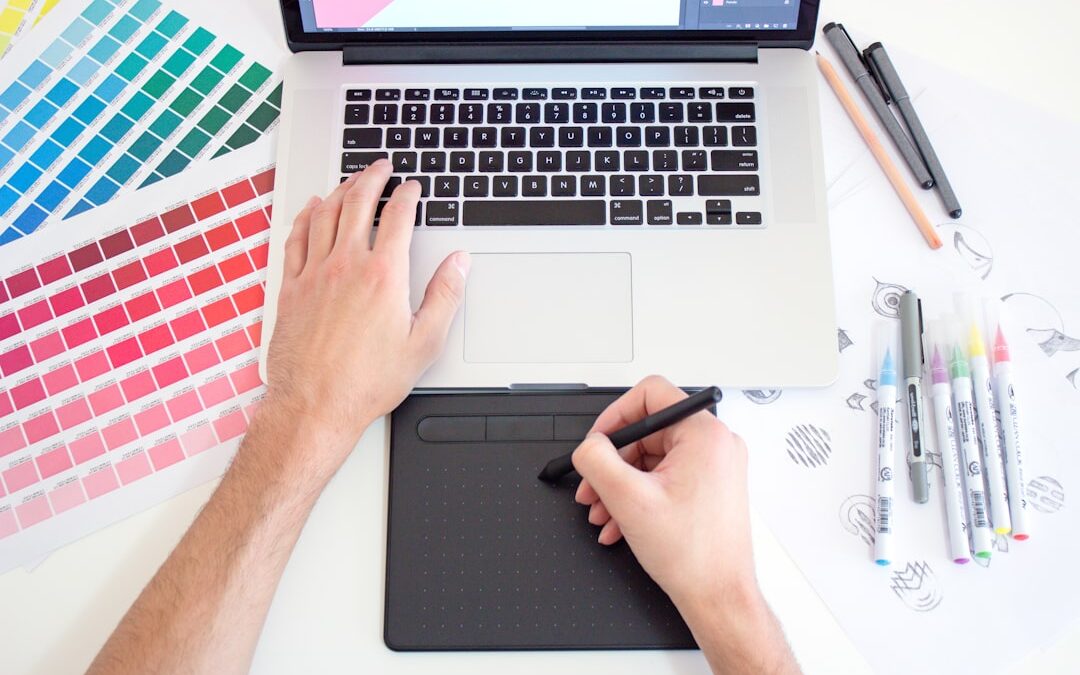
Everyday images often contain more design value than they first reveal. A photographed sketch, a scanned logo, a handwritten icon, or a simple product graphic can become much more useful when converted into a format that is clean, scalable, and easy to edit. That is where SVG graphics stand out. Instead of being locked into fixed pixels, SVG files are built from shapes and paths, which means they can be resized without losing quality and adjusted in design software with far more control. For brands, creators, marketers, and small teams, turning ordinary images into editable SVG graphics online is one of the fastest ways to improve production speed and design flexibility.
Why SVG Graphics Matter in Modern Design
SVG, or Scalable Vector Graphics, has become a core format for digital design because it solves a problem that raster images cannot. Traditional image files such as JPG and PNG are made from pixels. They work well for photos, but they become blurry when enlarged and are often difficult to edit with precision. SVG files, by contrast, use mathematical paths to describe lines, curves, and shapes. That allows them to stay sharp at any size, from a tiny mobile icon to a large printed banner.
This flexibility matters across many practical use cases. A business might need the same logo on a website header, a social media graphic, packaging, and a trade show backdrop. If that logo exists only as a small PNG, every new application introduces limitations. With an editable SVG, the design can be resized instantly and adjusted without degrading quality. We also gain cleaner integration with web design, since SVG files often load efficiently and can be styled for modern interfaces.
Beyond logos, SVG is highly useful for icons, badges, labels, diagrams, illustrations, and line-based artwork. Even simple handwriting or doodles can become polished design assets once they are transformed into vector shapes. That is why online SVG conversion tools have become so valuable: they remove technical barriers and make vector creation accessible without requiring a complex desktop workflow.
How Online Image-to-SVG Conversion Works
At a basic level, online conversion tools analyze the shapes, edges, contrast, and color areas in a raster image, then recreate them as vector paths. In practical terms, that means a flat image is translated into editable geometric information. The best results usually come from graphics with clear outlines, distinct shapes, or strong contrast, although more advanced tools can also simplify more detailed artwork.
For teams that want a faster workflow, using an online raster to vector converter can eliminate the need to manually redraw common graphics. Instead of tracing every line in design software, we can upload an image, process it in the browser, and export an SVG that is ready for refinement. This saves time during early concept development, especially when working with icons, scanned artwork, or prototype branding elements.
Most online workflows follow a similar path. We upload the source image, choose or review conversion settings, preview the output, and then download the SVG. Some tools improve the result by smoothing edges, reducing noise, simplifying color regions, or preserving transparency. Once exported, the SVG can typically be opened in vector editing software for additional cleanup or customization.
It is important to understand that conversion quality depends on source quality. A crisp black-and-white symbol will usually convert more cleanly than a low-resolution photograph with shadows and background clutter. Still, even imperfect source images can often be transformed into usable starting points, which is a major advantage for fast-moving creative work.
How to Choose the Right Images and Prepare Them for Better Results
Not every image performs equally well during conversion. When the goal is an editable SVG, preparation makes a meaningful difference. We generally get the strongest outcome from artwork that has clear separation between subject and background, limited visual noise, and defined shapes. Before converting, it helps to simplify the image as much as possible.
- Use high-contrast visuals: Black line art, bold icons, and simple graphics are easier for conversion tools to interpret accurately.
- Remove unnecessary backgrounds: Busy scenes, textures, and shadows can create extra vector paths that make editing harder.
- Start with the best resolution available: Cleaner source images usually produce smoother edges and fewer irregular shapes.
- Prefer flat graphics over detailed photos: Logos, stamps, labels, and sketches convert more effectively than complex photographic scenes.
- Adjust brightness or threshold first if needed: A quick image cleanup can dramatically improve the SVG result.
When working with scans or phone photos, even small corrections can help. Straightening a tilted page, cropping tightly around the subject, and increasing contrast may reduce cleanup time later. If the image contains text, crisp source material is especially important because small distortions can affect letterforms. In some cases, converting text as shapes is acceptable, while in others it may be better to replace converted lettering with a proper font after export.
Preparation is not about perfection. The goal is simply to give the converter a clearer visual structure to follow. A few minutes of cleanup at the start can save far more time during editing.
Where Editable SVG Files Create Real Value
The advantage of editable SVG graphics is not just visual quality. Their real value appears in production, collaboration, and reuse. Once an image becomes a vector file, it can be revised, recolored, resized, and repurposed with far less friction. That makes SVG especially valuable for lean teams that need assets to work across multiple channels.
- Branding: Logos, seals, emblems, and wordmarks can be adapted for print and digital formats without rebuilding them from scratch.
- Web design: SVG icons and interface elements remain sharp on high-resolution screens and often integrate well into responsive layouts.
- Content marketing: Infographic elements, callout graphics, and custom illustrations can be updated quickly for campaigns and landing pages.
- Product and packaging design: Labels, symbols, and technical markings can be scaled precisely for prototypes or final production files.
- Craft and print workflows: Vector graphics are useful for cutting machines, signage, engraving, and other fabrication processes that require clean paths.
Editable SVGs also support consistency. When a design asset exists in vector form, teams can maintain the same visual identity across presentations, ads, websites, packaging, and internal documents. Instead of searching for multiple versions of the same image in different sizes, they can rely on one flexible master file. That reduces design drift and helps protect brand quality over time.
Turning everyday images into editable SVG graphics online is no longer a niche design task. It is a practical, efficient workflow that helps ideas move from rough visual references to reusable professional assets. With the right source image and a reliable conversion process, sketches, logos, icons, and simple graphics can become scalable files that are far easier to edit and deploy. For anyone creating visual materials regularly, SVG conversion offers a smarter way to preserve quality, save time, and build assets that are ready for real-world use.
Follow Us!